Two hundred links, not one title
"Untitled article — medium.com". Six months on, that line means nothing to anyone.

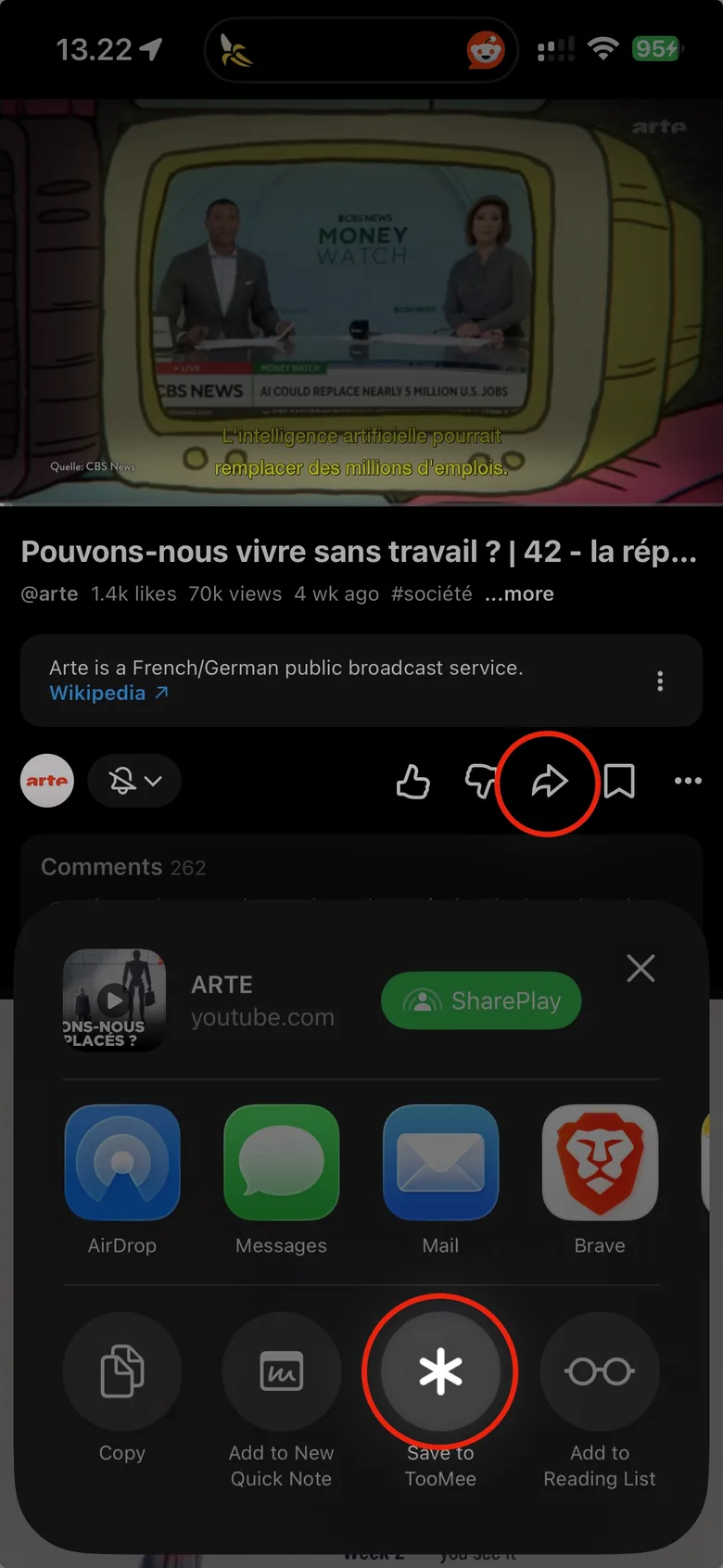
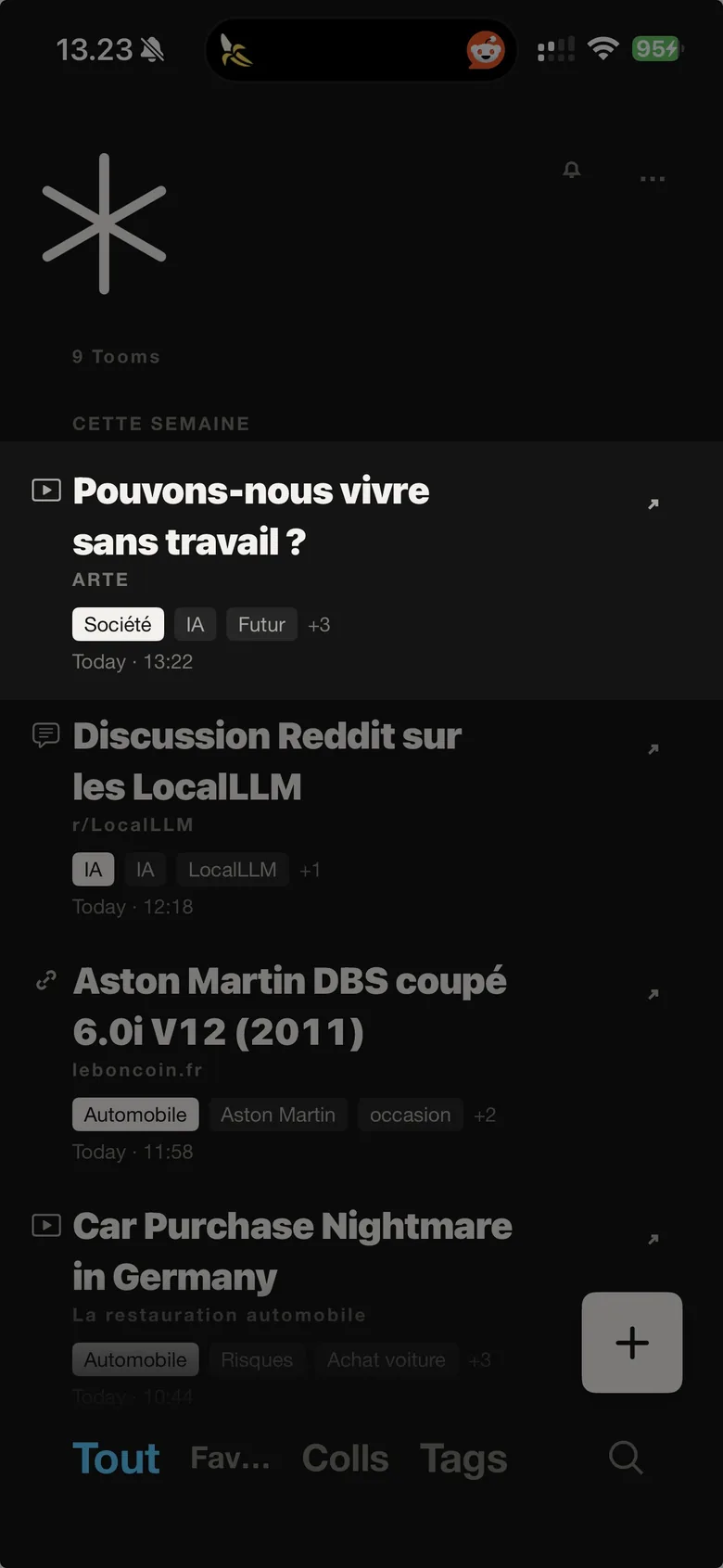
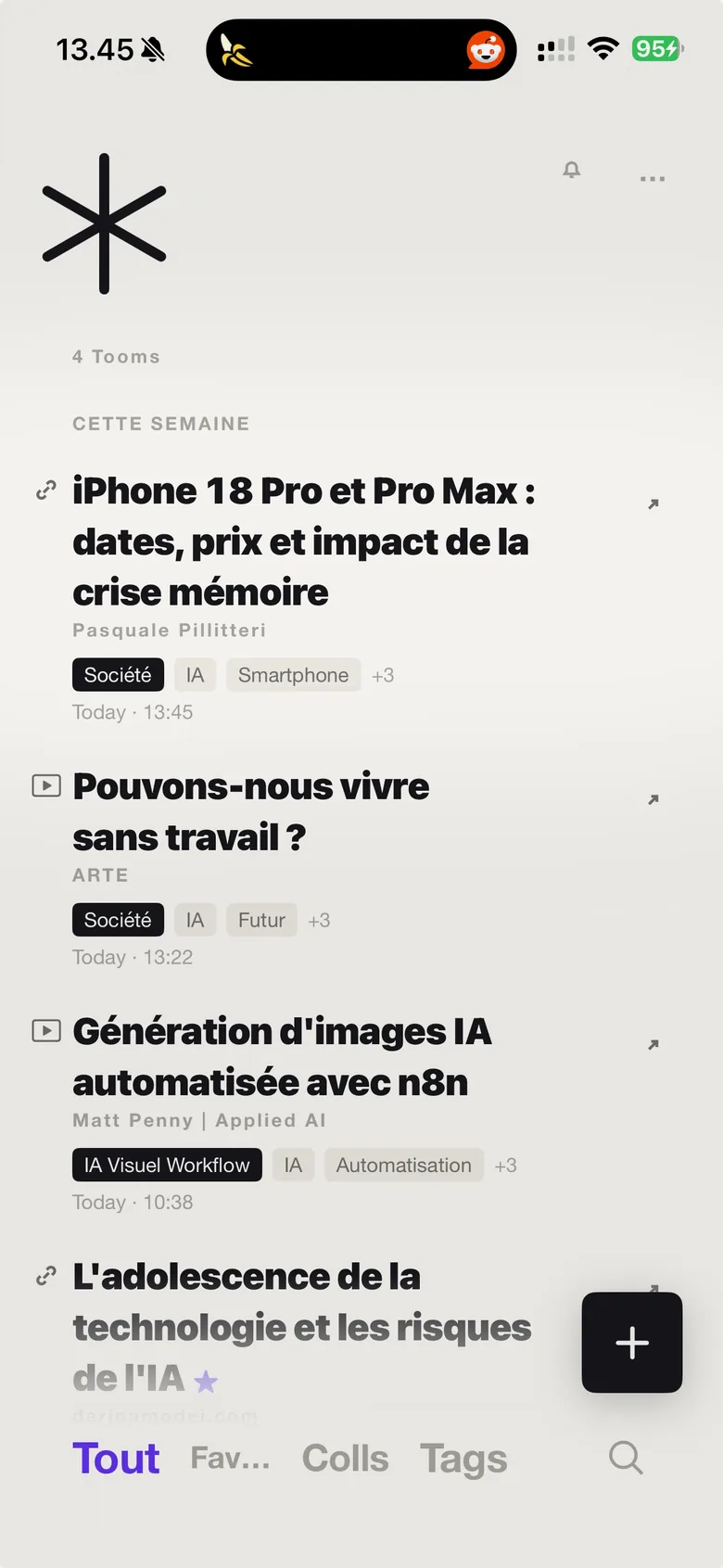
A TikTok video, an article, a photo, a PDF. Tap "Save to TooMee" and it's filed: readable title, one-line summary, category, tags. Every app, one library.
Beta under way. App Store release shortly.
You save something for later. Later comes, and you have to remember the site, the exact words, the day. So you search, you give up, you text yourself the link so it isn't lost. Saving was never the hard part — finding is.
"Untitled article — medium.com". Six months on, that line means nothing to anyone.
Bookmarks only match the exact word. What you remember is the idea — "that thing about sleep" — not the title.
A watch-later playlist on YouTube, favourites on TikTok, saved posts on Instagram, a reading list in Safari. Four places, four searches, and none of them talk to each other. That isn't a library — it's drawers in different houses.
Create a folder, pick a name, move the thing. Nobody keeps that up for two weeks straight.
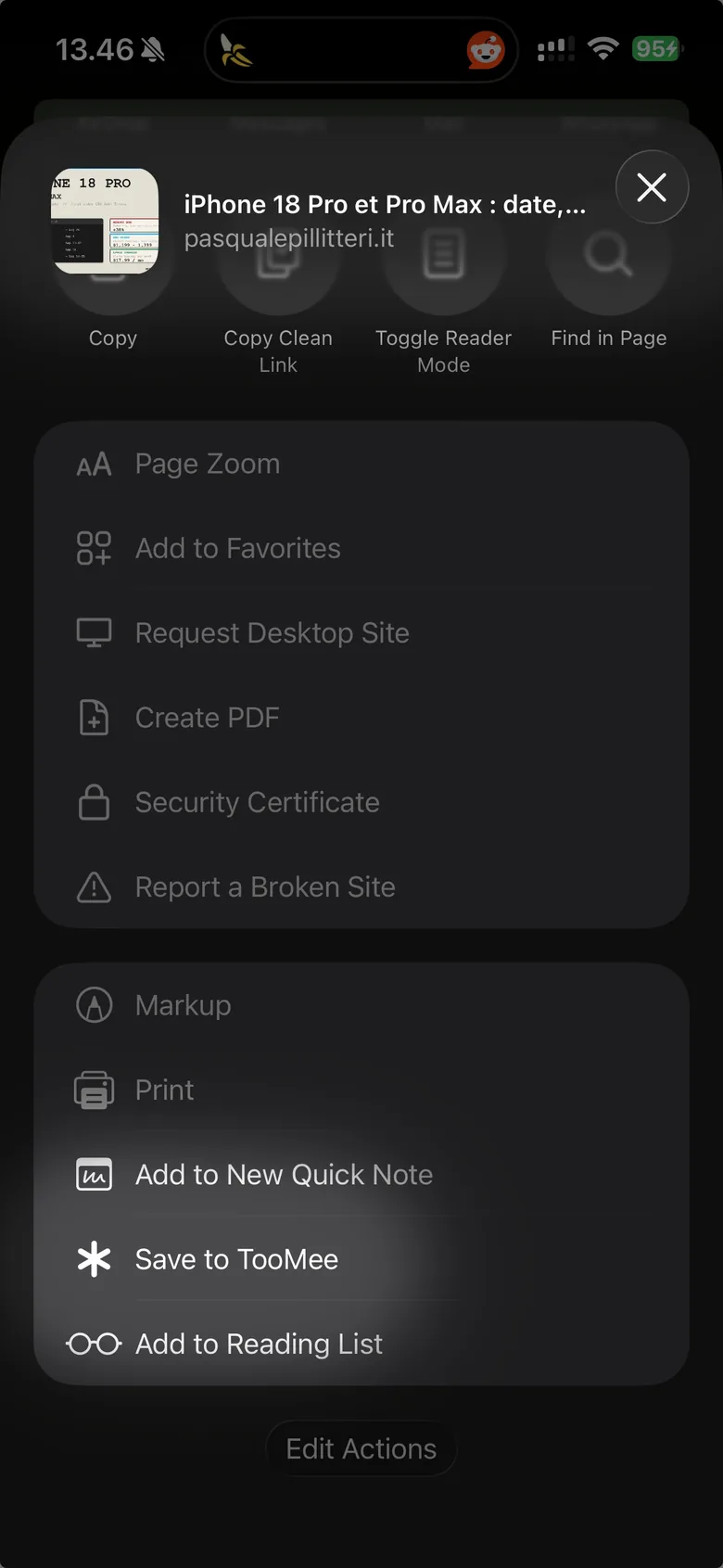
From any app: Safari, Instagram, Messages, Photos, Files. TooMee sits in the share sheet — one tap and it's saved.
TooMee reads the page, writes a readable title and a one-line summary, picks a category and suggests tags. Seconds, and it asks you nothing.
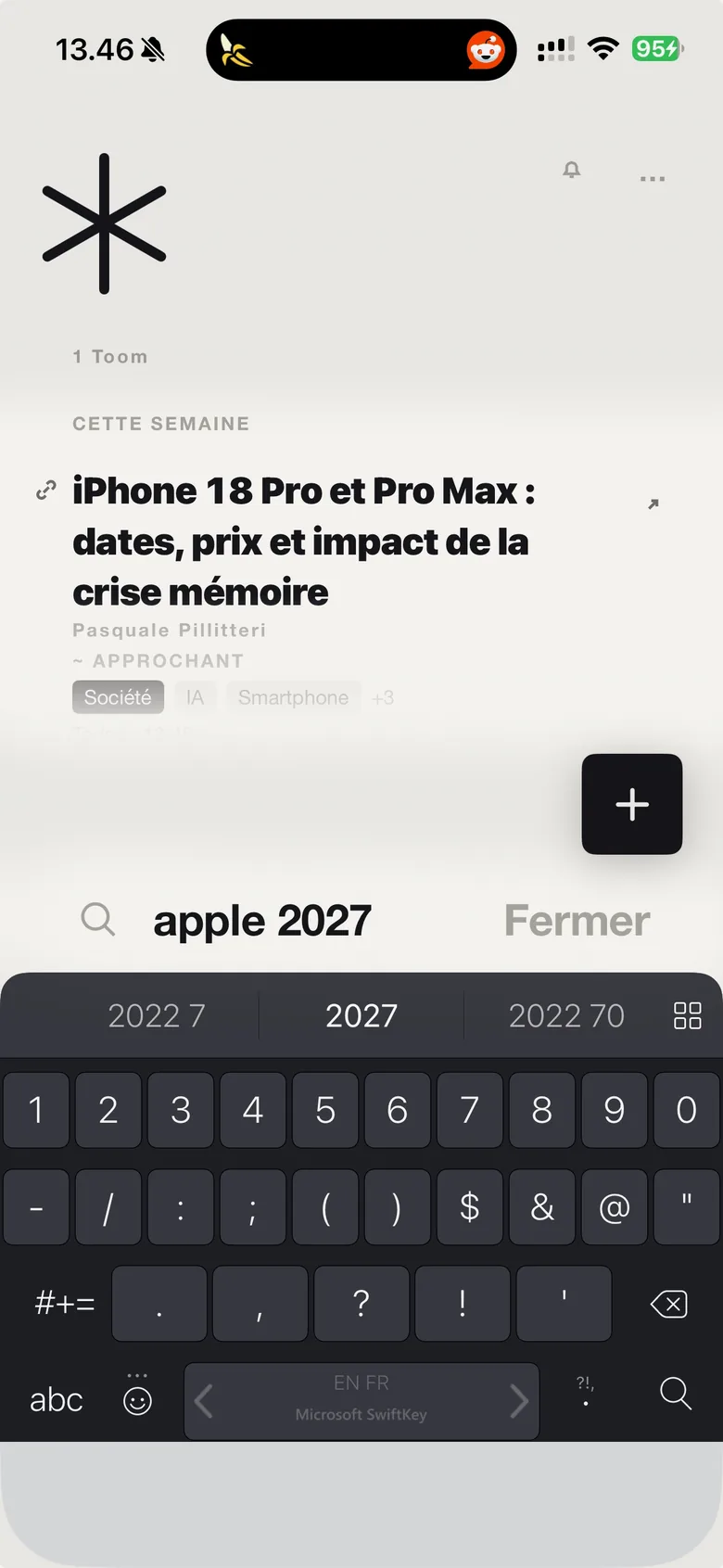
Type the idea, not the exact words. Here, "apple 2027" brings back the iPhone 18 article: TooMee found it by meaning, and says so — near match.
YouTube, TikTok, Instagram, Safari, Messages, Files. No more four lists in four apps that ignore each other: everything lands in one place, and a single search runs across all of it.
Even when the page gives none. One line is enough to know whether it's worth the tap — six months later too.
On top of words. TooMee compares ideas, on the device, without sending your query anywhere.
A trip, a project, an idea. TooMee also offers you one when it sees a series forming.
Like a messaging app when you paste a link: the preview is fetched and kept with the item, visible offline too.
Text, photos, screenshots, PDFs, audio. Text inside a screenshot is read, and so are a photo's own details.
What you keep on the phone is on the Mac, and the other way round. Through your iCloud, with no account to create.
And seven interface languages: English, French, German, Spanish, Italian, Portuguese, Dutch.
A list, a search, a detail. No dashboard, no tabs, no settings to understand before you start.
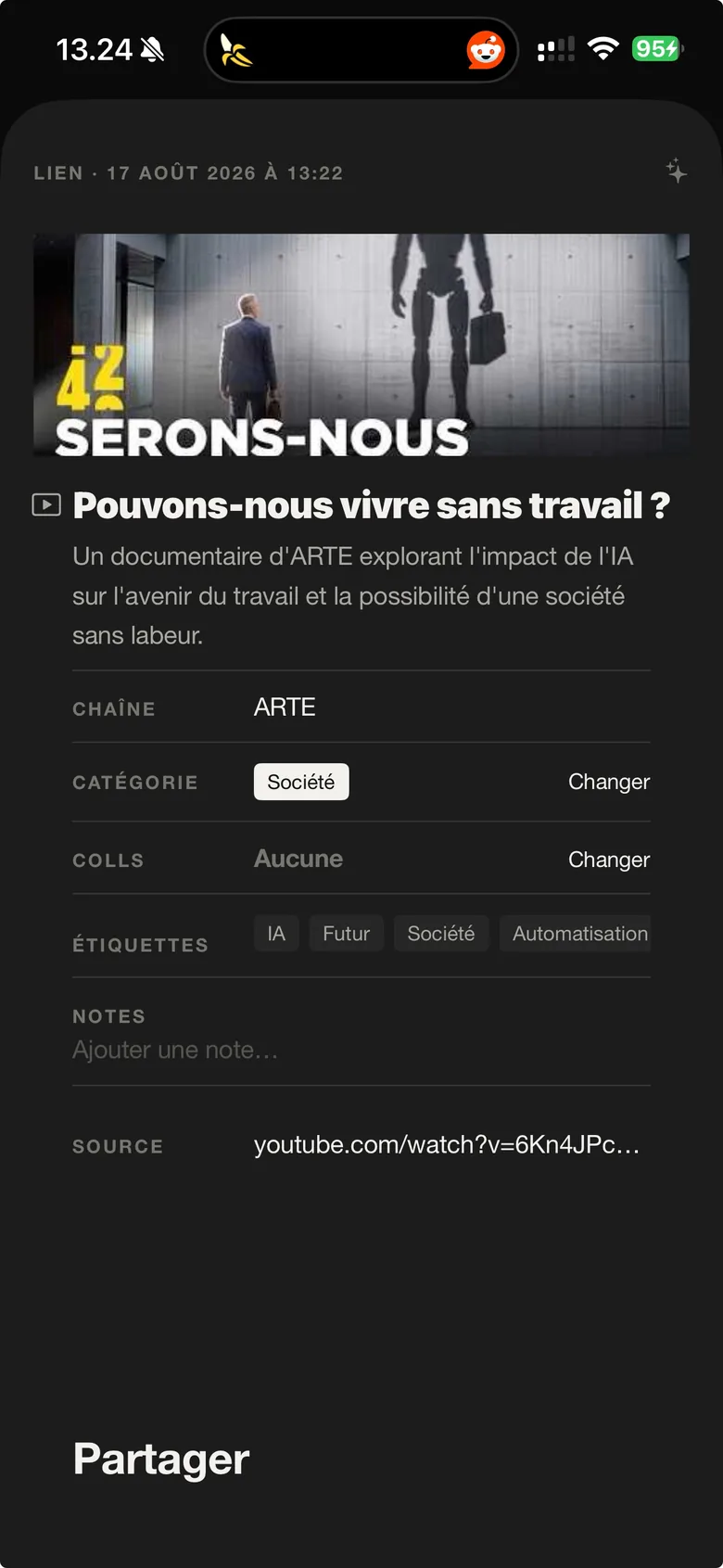
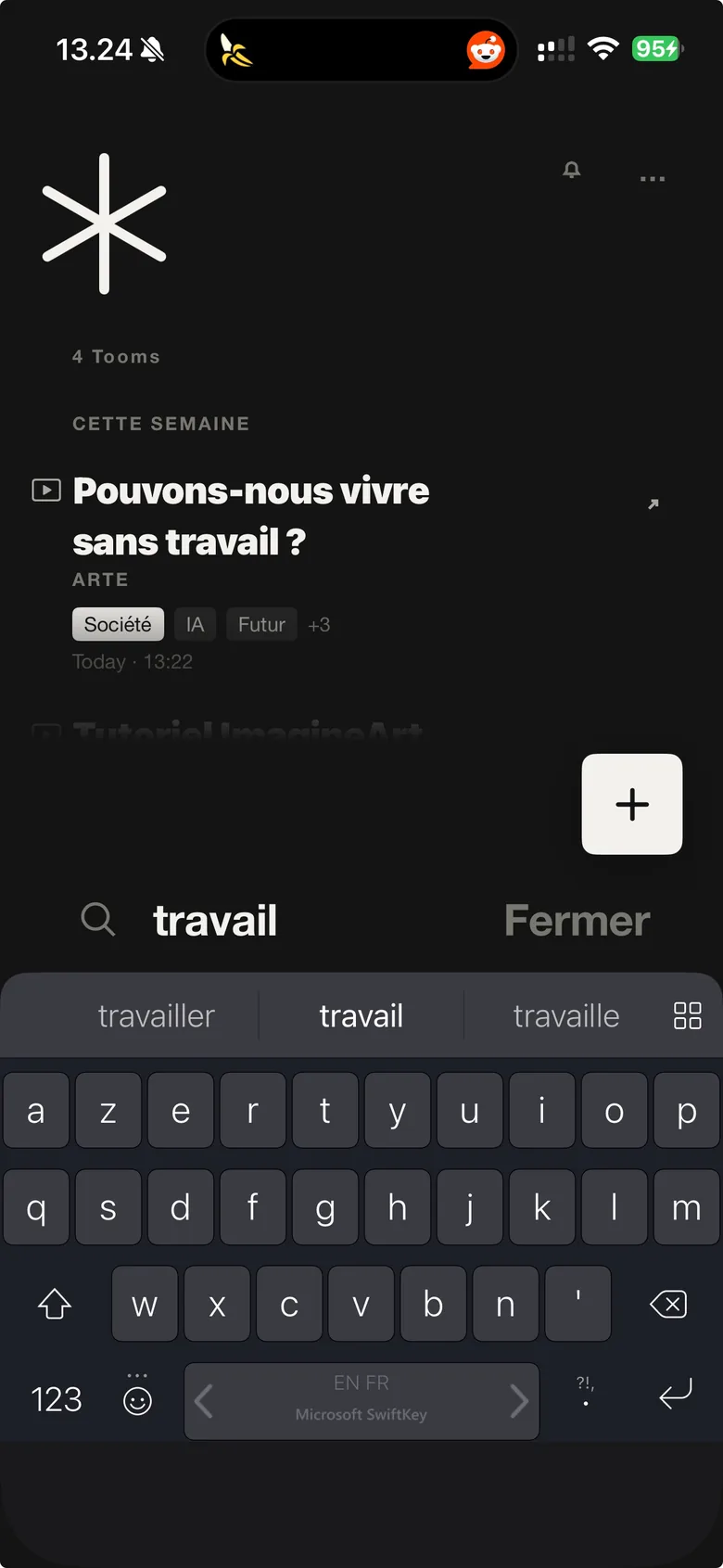
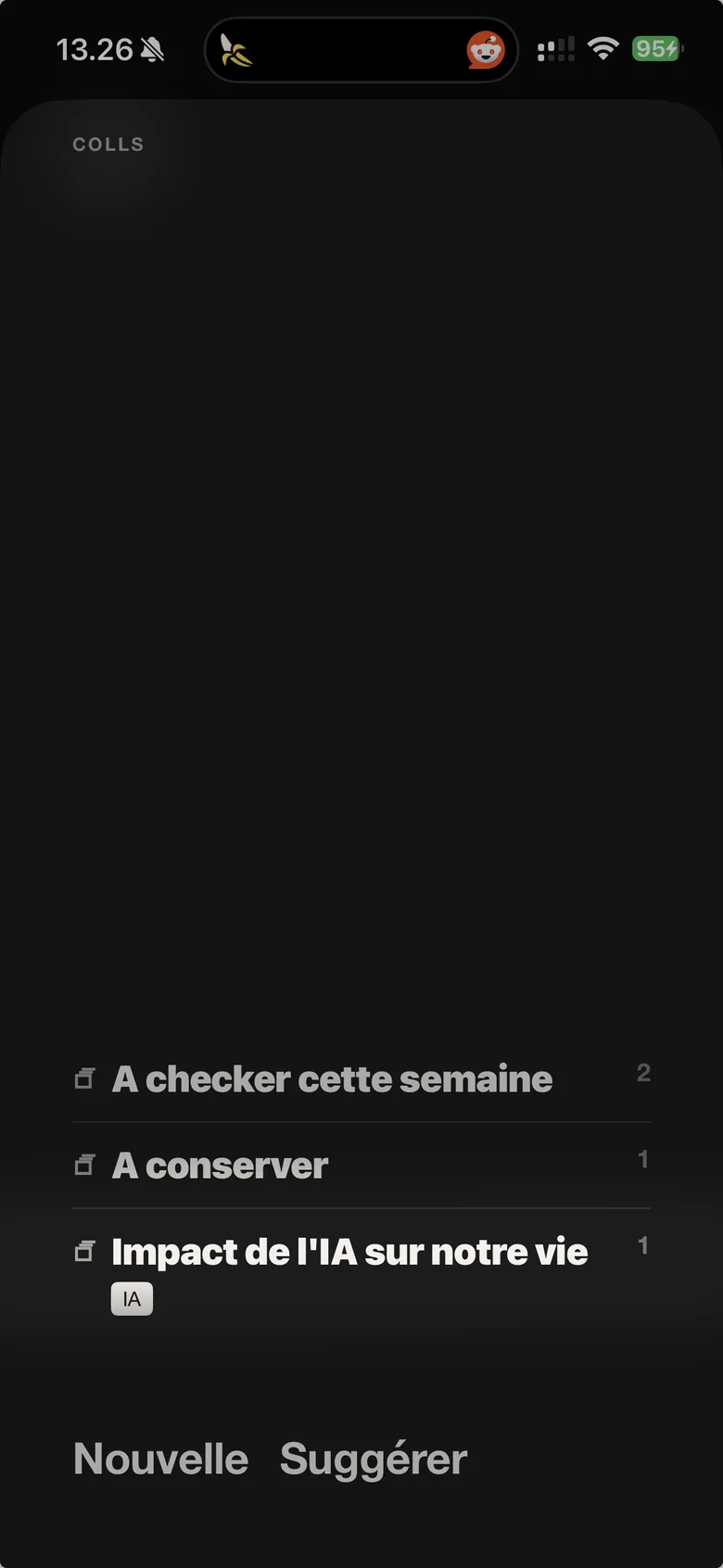
The same library, the same app — not a stripped-down version. What you keep on the phone is already there when you open the Mac, and the other way round. Through your iCloud, with no account and nothing to set up.
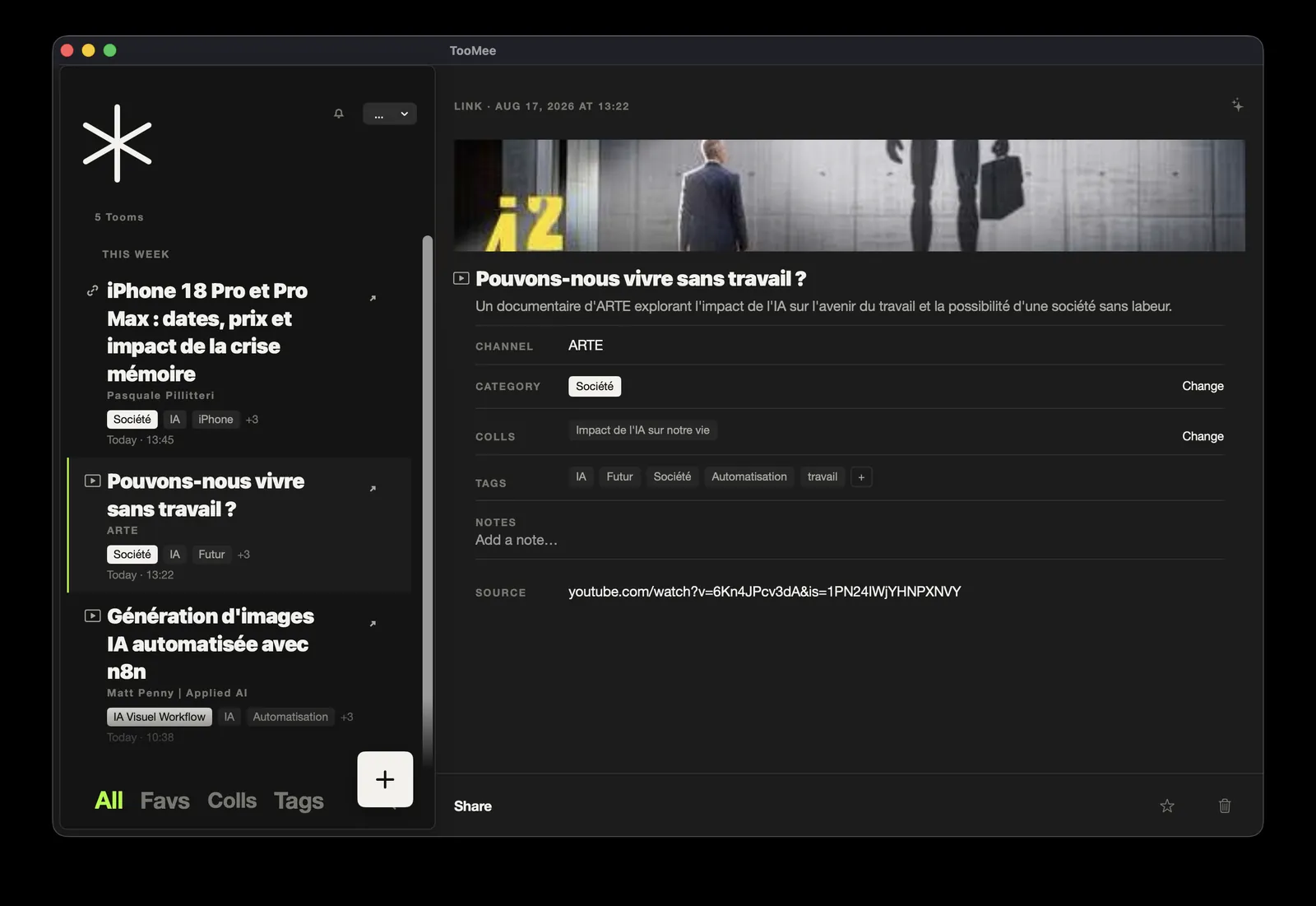
The big screen earns its keep: browse on the left, read on the right, without opening and closing a window for every item.
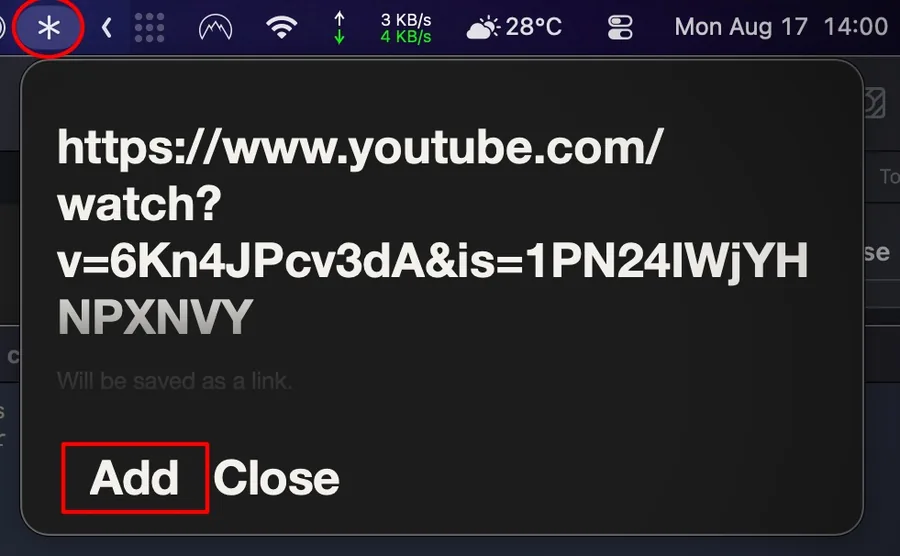
The asterisk in the menu bar opens a field: paste, confirm, done. No app to open, no window to switch to, nothing lost from what you were doing.
From Safari, the Finder or any app: TooMee is in the list, just like on the iPhone.
Sync asks nothing of you: no button, no export. The item shows up filed, with its preview and its tags.
No sign-up, no email address, no password. You open the app and use it.
Your items live on your devices and in your private iCloud database. We have no access to it.
No tracker, no analytics, no advertising identifier. Nothing to resell.
What you write on an item is sent neither to the model nor to search. It's the most private part: it stays with you.
With Apple Intelligence, filing happens entirely on your iPhone or Mac: nothing leaves, not even the page that was read. You can also bring your own model if you prefer. The setting is written plainly in the app, not buried in a privacy policy.
The app has a Privacy screen that states, item by item, what leaves the device and what never does.
No. TooMee has no account, no sign-up and no password. Your items are on your device and sync through your private iCloud — the one nobody else can reach, us included.
To your device, and to your private iCloud database so iPhone and Mac stay in step. Nothing goes to a server of ours.
Your call. Apple Intelligence runs entirely on the device — nothing leaves the phone. Or a remote model, with your own key. Either way, you decide.
Two things. First, TooMee sits above the apps: a video saved on YouTube, a post kept on TikTok and an article set aside in Safari normally end up in three separate lists that no single search can reach. Here they all land in one place, whatever the source. Second, a bookmark keeps an address where TooMee keeps the meaning: it reads, writes a title and a summary, picks a category, suggests tags — and you find it again by typing the idea, without recalling the exact words or the site.
A link, some text, a photo, a screenshot, a PDF, an audio file — from any app. Video isn't supported in this first version.
Yes for reading, searching and organising: everything is on the device, previews included. Filing a new item waits for the network, then picks up on its own.
The beta runs on iPhone and Mac; App Store release is coming shortly. No subscription, no ads, no in-app purchase.
TooMee is in beta on iPhone and Mac, and the beta is open. Leave your address: we send you an invitation to try TooMee right away, and the release message when the day comes. Nothing else.
One address, nothing else: no name, no phone number. Two messages at most: the beta invitation and the release. Taking part commits you to nothing, and you can leave the beta whenever you like. No resale, no newsletter, and you can ask for your address to be deleted at any time.
TooMee is made by TheUnnamedCompany, Pascal Tourres' product design studio.